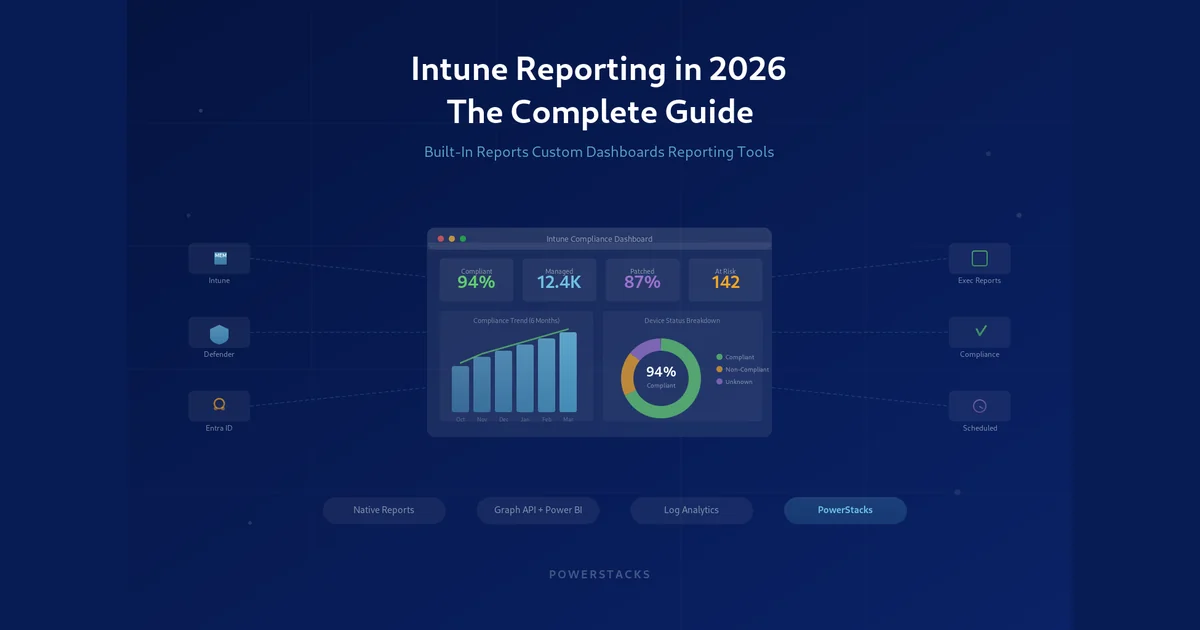
Ask any IT admin who manages a mid-to-large Microsoft environment what frustrates them most about Intune, and reporting comes up fast. The data is there. The problem is getting it into a shape that answers a question, satisfies an auditor, or survives a leadership meeting.
Microsoft has improved Intune’s native reporting a lot over the past few years. There are still real gaps. Reports are siloed by workload, hard to customize, and not built for the kind of cross-source storytelling IT teams need.
This guide covers Intune reporting as it stands in late 2026: what the built-in Intune reports do well, where the compliance and device reports stop, how to build custom Intune reports, and what to look for when native reporting is not enough.
What built-in Microsoft Intune reports actually cover
Microsoft organizes reporting in the Intune admin center under a dedicated Reports node, with the same data also surfaced inside each workload. Here is what you get out of the box:
- Device compliance reports showing which devices meet your compliance policies and which do not, with a per-setting breakdown
- Configuration profile reports tracking assignment status and whether settings applied
- App protection and app configuration reports for MAM-managed devices
- App install status reports per app and per device, including the new Enterprise App Catalog apps with updates view
- Endpoint analytics covering startup performance, app reliability, and work-from-anywhere scores
- Windows Update for Business reports for feature and quality update status, and driver updates
- Antivirus and firewall reports fed from Microsoft Defender for Endpoint
- Enrollment reports tracking onboarding by platform and enrollment type
Each of these has improved in depth and reliability. For basic operational visibility they cover a lot of ground.
The most common gaps in native Intune reporting
Despite the improvements, admins run into the same walls when they rely only on built-in Microsoft Intune reports.
You cannot combine data across sources. Intune, ConfigMgr, Defender, and Microsoft Entra ID each live in their own reporting silo. A single view of a device’s compliance status, patch level, security posture, and group membership means a lot of manual cross-referencing.
Reports are not designed for executives. The admin center is built for IT professionals. When your CISO asks for a monthly security posture summary or your CIO wants a device health dashboard, the built-in reports need real work to become something presentable.
Filtering and scheduling are limited. You can filter within a report, but a saved, scheduled report that lands in a stakeholder’s inbox every Monday is not something native Intune does.
Historical trending is shallow. Almost every built-in report shows current state. The device compliance trends report gives you 30 days, fleet-wide. If you need six months, a per-device history, or a patch rollout curve, you are exporting on a schedule and keeping the files.
Custom groupings are difficult. Intune organizes devices by groups, but reporting by department, location, cost center, or business unit usually takes workarounds.
These are not edge cases. They are the everyday reality for teams managing hundreds or thousands of endpoints.
Intune compliance reports and their limitations
Compliance is the report most admins are asked for, so it deserves its own section.
The Device compliance report shows per-device status with filters for OS, compliance state, and policy. The Setting compliance report flips that around and shows which settings are causing non-compliance across the fleet, which is the one to use when a policy change suddenly turns hundreds of devices red. The Noncompliant devices operational report is the working list for the help desk.
Where they stop:
- Thirty days of history, fleet-wide only. The compliance trends report shows the last 30 days as a total. There is no per-device history and nothing older, so “when did this device fall out of compliance” still means exports you kept.
- No business context. There is no department, site, or owner column unless you add it yourself through device categories or group names.
- No Defender or patch context. Compliance in Intune is “did the device meet the policy.” It does not tell you whether the device has an active Defender alert or is missing last month’s cumulative update, even though both matter to the same auditor.
- Export, not evidence. A CSV export proves a point in time. Auditors increasingly want a trend and a date-stamped record.
If compliance reporting is the reason you are reading this, the fix is a snapshot history plus the ability to join compliance to Defender and update data. That is the gap purpose-built tools fill, and it is covered further down.
Intune device reports: inventory, hardware, and discovered apps
Device reporting in Intune spreads across a few places.
- All devices under Devices, with an export that includes the core hardware and ownership fields.
- Device inventory, the newer properties catalog that lets you collect extra hardware and OS properties from Windows devices and view them per device.
- Hardware details on each device record: serial, model, storage, TPM, encryption state, and so on.
- Discovered apps per device and the tenant-wide discovered apps list, which is the closest thing Intune has to a software inventory.
- Managed apps report for apps Intune deployed, with install state per device.
What is missing is the consolidated view: hardware, warranty, installed software, compliance, and update status for one device, or for one department, in one place. The discovered apps list is also flat, with no normalization, so “Google Chrome” shows up as a dozen version-specific rows. Teams that need a real hardware or software inventory usually extend Intune with a custom inventory script and report on the result in Power BI. The custom inventory setup for BI for Intune is one way to do that without writing the pipeline yourself.
Reporting on Azure Virtual Desktop and Windows 365 with Intune
A question that comes up more every year: can Intune report on AVD session hosts and Cloud PCs alongside physical devices?
Partly, yes. Session hosts and Cloud PCs that are enrolled in Intune are devices like any other. They appear in the device, compliance, configuration, and app reports, and they can be filtered by OS SKU or by the groups you put them in. Windows 365 adds its own Cloud PC reports in the admin center for provisioning, resource performance, and connection quality.
What Intune does not have for AVD is session-level data. Connection quality, session duration, host pool utilization, and user experience metrics live in AVD Insights, which is a Log Analytics workbook in Azure Monitor, not an Intune report. So a unified Intune and AVD compliance report means two sources: Intune for the device and compliance side, Log Analytics for the session side. Power BI can join them, and tools that already model Intune data take care of the Intune half of that join. BI for Intune treats enrolled session hosts and Cloud PCs as devices, so compliance, apps, and updates for your virtual fleet show up next to the physical one.
How to use the Intune Reports workload effectively
Before reaching for third-party tools, it helps to know what the native Reports workload can do when you use it on purpose.
Device compliance reports
Use the organizational report for a fleet-wide percentage. Use the operational report when you need to act on specific devices. Use setting compliance to find out which setting is the problem.
Endpoint Analytics
Endpoint Analytics is one of the more underused parts of Intune reporting. It scores your environment on startup performance, app reliability, and remote work readiness. The recommended software section surfaces findings like devices on an old Windows build dragging the score down. If you are planning a hardware refresh or need budget for upgrades, this is data-backed evidence.
Windows Update reports
The Windows Update reports have become much more detailed. You can see feature update deployment status, quality update compliance, and driver update status across the fleet. The Windows feature update report and Windows quality update report are the two to live in for patch compliance.
One limitation: they show current state. A historical view of patch compliance means exporting the data yourself.
Exporting Intune data: what is possible and what is not
Microsoft gives you a few ways to get Intune data out of the admin center.
CSV export is available on most reports. It is fine for one-off analysis in Excel and not a workflow.
Microsoft Graph gives you programmatic access. If your team has the development capacity, you can build queries and push the data into your own store or reporting tool. The API is well documented and covers most of what you want. The cost is ongoing maintenance as the API evolves.
Diagnostic settings and Log Analytics route certain Intune logs to Azure Monitor. Good for audit and security logging, and you can query it with KQL. Not a general-purpose reporting layer.
Power BI with Graph is the common DIY route for custom dashboards. Connect Power BI to Graph, model the data, build the visuals. It works, and it takes Power BI skills, API knowledge, and time.
For most IT teams none of these are frictionless. They need developer skills, manual effort, or both.
Building custom Intune reports
Custom Intune reports are where teams either gain a real advantage or spend months spinning their wheels. The usual goals are operational reports for IT staff, compliance reports for auditors, and executive dashboards for leadership, and each has different needs for depth, design, and refresh.
Your options, roughly in order of effort:
- Filter and export the built-in reports. No custom columns, no joins, and no history beyond the 30-day compliance trend. Fine for a one-off.
- Graph API plus a script. PowerShell against Graph can produce almost any report, but every report is code you own, and pagination, throttling, and permission changes are yours to handle.
- Log Analytics and KQL. Powerful for anyone already fluent in KQL, and it keeps history. Most Intune data is not in Log Analytics unless you put it there.
- Power BI built from scratch. Authenticate to Graph, schedule refresh, model the relationships, build the visuals. Manageable with a dedicated Power BI developer, a big time sink without one.
- A purpose-built data model on top of Power BI. This is what BI for Intune is. It connects to Intune and Entra ID with no code, installs a star-schema semantic model into your own Power BI workspace, ships with report templates, and shares a device key with BI for Defender and BI for SCCM so Defender and ConfigMgr data join in the same report. You build custom reports with the normal Power BI drag-and-drop, and because everything runs in your tenant, your data never leaves.
Instead of spending weeks on a compliance dashboard from scratch, you can have one running in hours, and because it is Power BI you keep the full flexibility of the platform when you need it.
Intune reporting tools worth knowing in 2026
Beyond the admin center and a DIY Power BI build, a few categories of tools are worth knowing. We keep a full side-by-side in the Intune reporting tools comparison, which covers native reports, Graph, Log Analytics, BI for Intune, Patch My PC, Recast, and SquaredUp. The short version:
Purpose-built endpoint reporting platforms like BI for Intune sit on top of your existing Microsoft stack and add a reporting layer without moving data to a third-party cloud. They are built for IT admins, not data analysts.
SIEM and security platforms like Microsoft Sentinel ingest Intune data for security-focused reporting. If your main need is event correlation and threat detection, this is the right category. For device management and compliance reporting it is usually overkill.
ITSM integrations from ServiceNow or Ivanti pull Intune data for asset management and ticketing. Useful for those workflows, not a general reporting solution.
Patching vendors’ reporting add-ons report well on the thing they patch and little else, and most of them run in the vendor’s cloud.
For teams focused on compliance, patch status, security posture, and executive visibility, a purpose-built Intune reporting tool is the most practical path.
What to look for in an Intune reporting solution
If you are evaluating Intune reporting tools, these are the factors that matter most.
Data residency. Does your data leave your tenant? For regulated industries and anyone with a serious data governance policy, this decides the shortlist. Solutions that keep data in your own Microsoft environment are far easier to get through security review.
Data source coverage. Intune alone rarely tells the whole story. Look for tools that also connect to ConfigMgr, Defender for Endpoint, and Entra ID so reports reflect your actual environment.
History. Snapshots over time, not just current state. This is what turns a report into audit evidence.
No-code report building. Admins should not have to be Power BI developers. Look for a ready-made data model and templates that cover the common cases.
Scheduling and distribution. Reports that reach stakeholders on their own save real time and keep leadership informed without a manual export every month.
Customization depth. Templates are a start. Make sure you can build your own reports when the templates do not fit.
Executive dashboards and operational reports from the same data. They have different audiences. You should not need two tools.
BI for Intune covers all of these. It keeps data in your tenant, connects to the major Microsoft endpoint management sources, keeps daily history, and gives IT admins a no-code reporting layer on Power BI. You can see it in the live demo or start a free trial.
Final thoughts
Intune reporting in 2026 is better than it was two years ago. Microsoft has put real work into the Reports workload, and for day-to-day operational visibility the built-in tools cover a lot of ground.
But if you need to combine data across your Microsoft endpoint stack, build executive dashboards, schedule reports for stakeholders, or track compliance over time, you will need to go beyond what the admin center provides.
Start by getting the most out of the native reports for operational work. Then write down the specific gaps that cost your team time or leave leadership without visibility. From there, decide whether a purpose-built tool like BI for Intune fits your environment. The goal is not more reports. It is the right reports, in the right hands, without burning your team’s time to produce them.