The Configuration Manager data model, with reports
Software update, inventory, and compliance data read from your ConfigMgr database through your own gateway, joined into one model. Reports included. Build your own on top.
On-premises reporting, modern experience
BI for SCCM brings modern Power BI dashboards to your on-premises Configuration Manager environment. Connect through Power BI Gateway to your SCCM database and get instant visibility into software updates, hardware and software inventory, and compliance status.
Includes 10+ inventory extension scripts that collect data beyond what SCCM gathers natively: BitLocker status, local admin group members, monitor details, USB devices, warranty information, and more.
All reports are delivered directly in your Power BI workspace, not a vendor-hosted portal. Your SCCM data stays within your environment, governed by your Microsoft 365 tenant policies, and fully customizable to match your organization's needs.
Quick facts
- Data source
- SCCM SQL database via Power BI Gateway
- Reporting
- Power BI native: your workspace, your governance
- Inventory extensions
- 10+ PowerShell scripts for extended data collection
- Current version
- v18.0
- Pricing
- Annual subscription based on managed device count
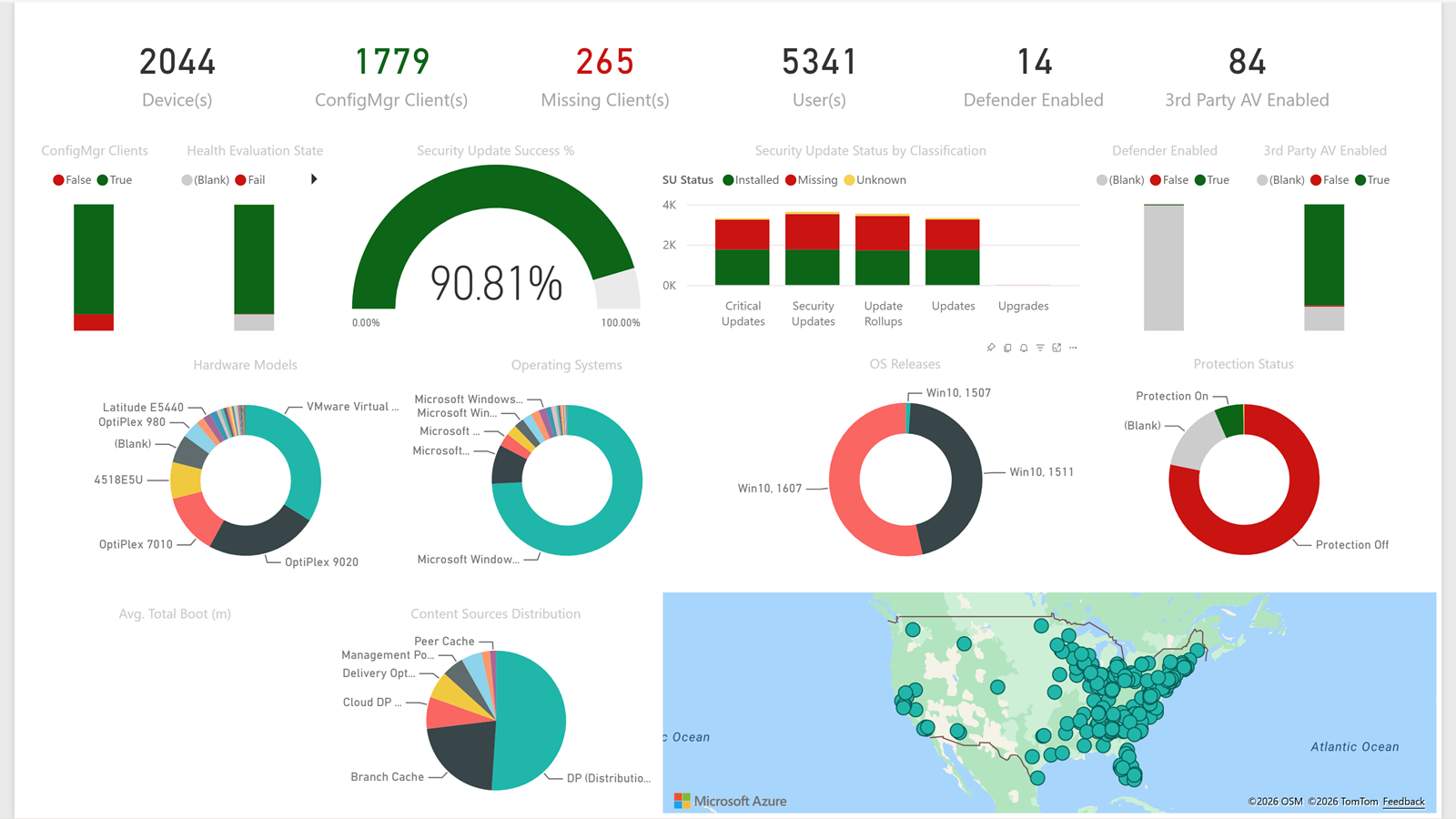
See it in action
A walkthrough of the dashboards, data connections, and reporting capabilities included with BI for SCCM.
Report categories
Software Updates
Compliance tracking for software update groups, individual updates, deployment progress, and devices needing remediation.
Hardware Inventory
Device models, processor, memory, disk, BIOS versions, and serial numbers across your managed fleet.
Software Inventory
Installed applications, version distribution, and software metering data for license management.
AD User Discovery
Active Directory user and group discovery data integrated with device assignments for per-user reporting.
Extend Hardware Inventory
Ten collections SCCM does not gather by default: BitLocker, local admins, Lenovo models, M365 Apps, disk types, antivirus, monitors, environment variables, USB devices, warranty info. Scripts and reports included.
A look at the dashboards
Use the arrows to browse the dashboards, or select an image to enlarge it.
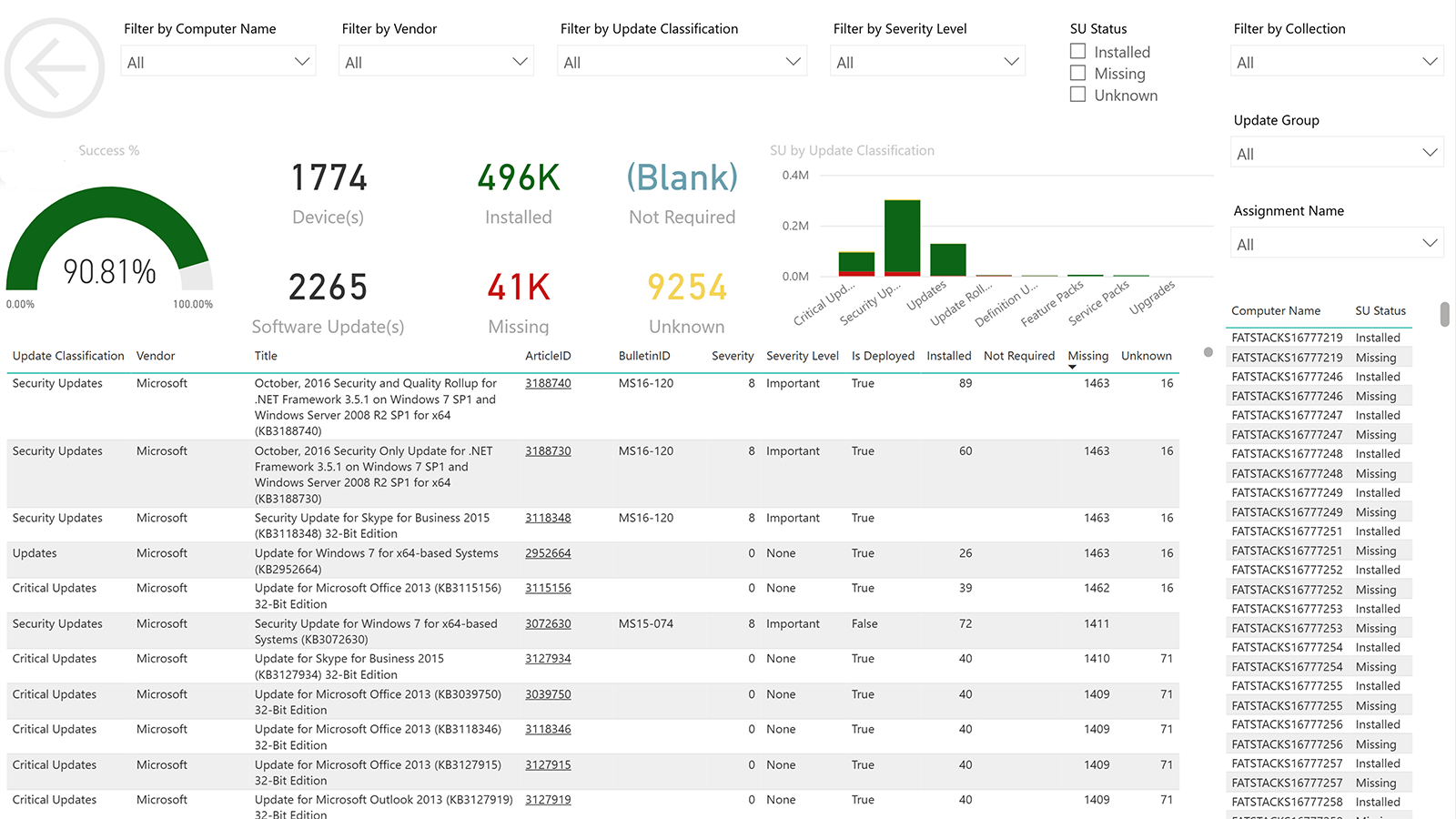
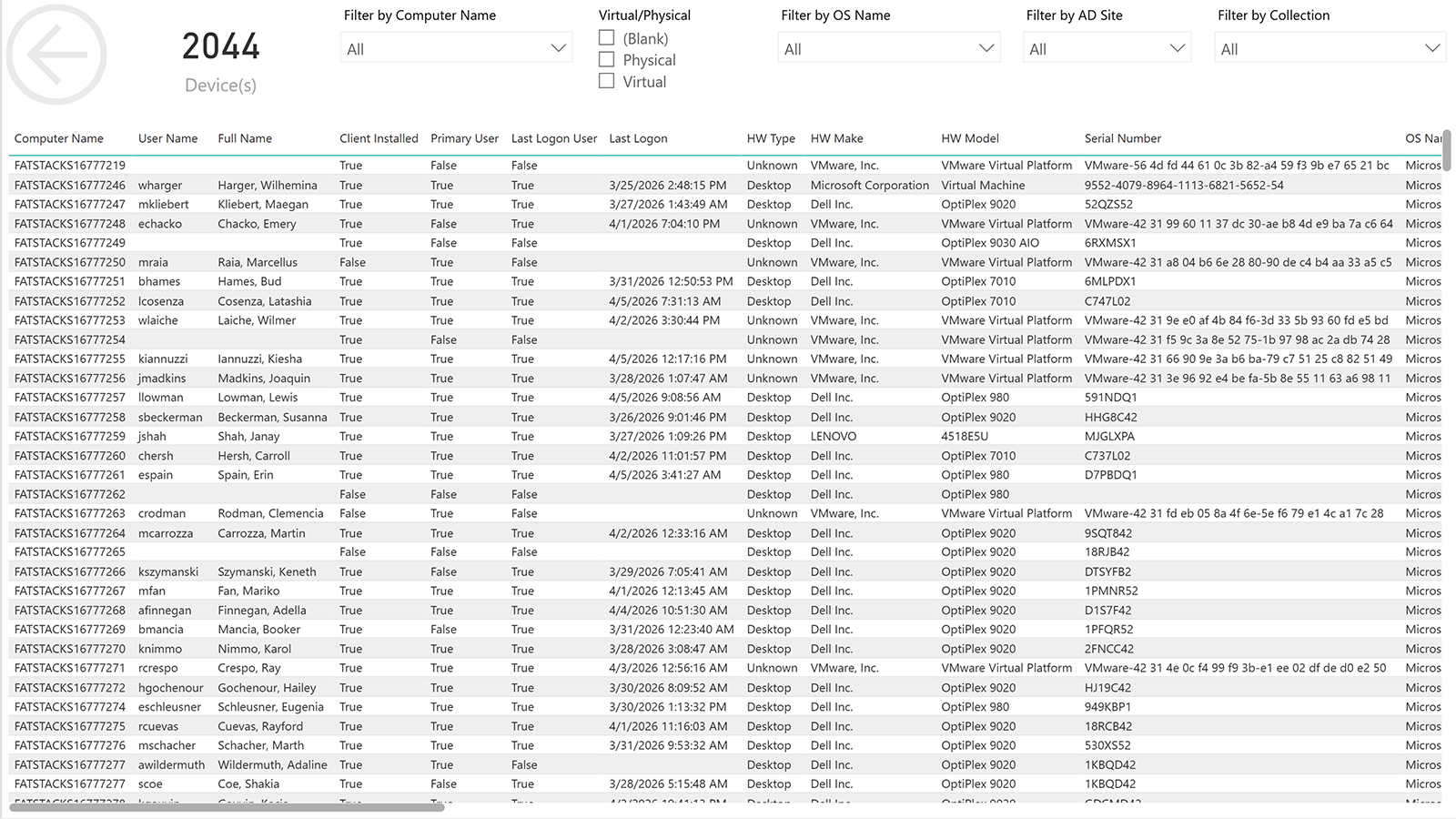
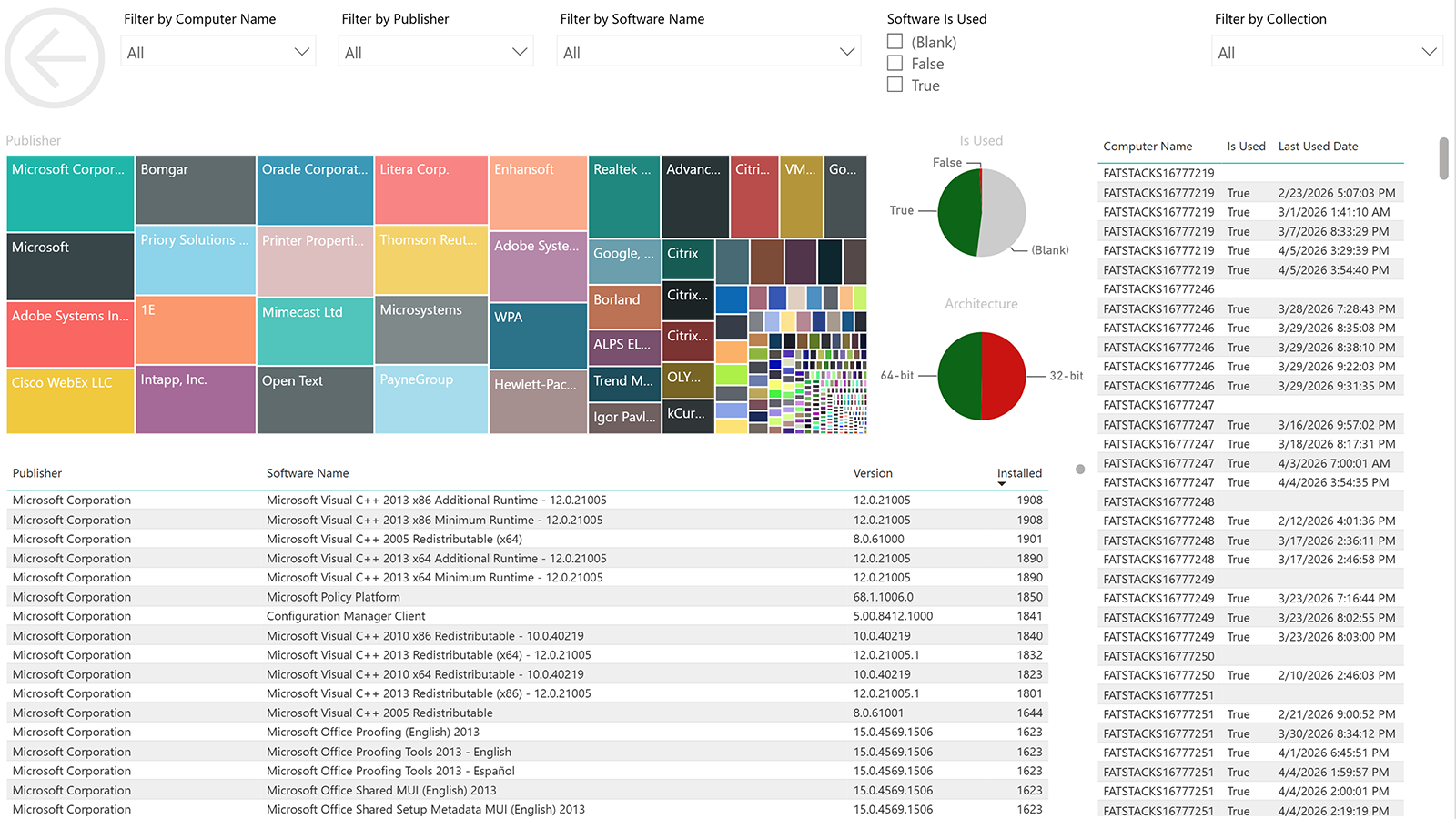
Software Updates
Pricing
BI for SCCM is sold as an annual subscription sized to your managed device count.
Get started with BI for SCCM
Request a trial license and connect your ConfigMgr environment to Power BI dashboards.