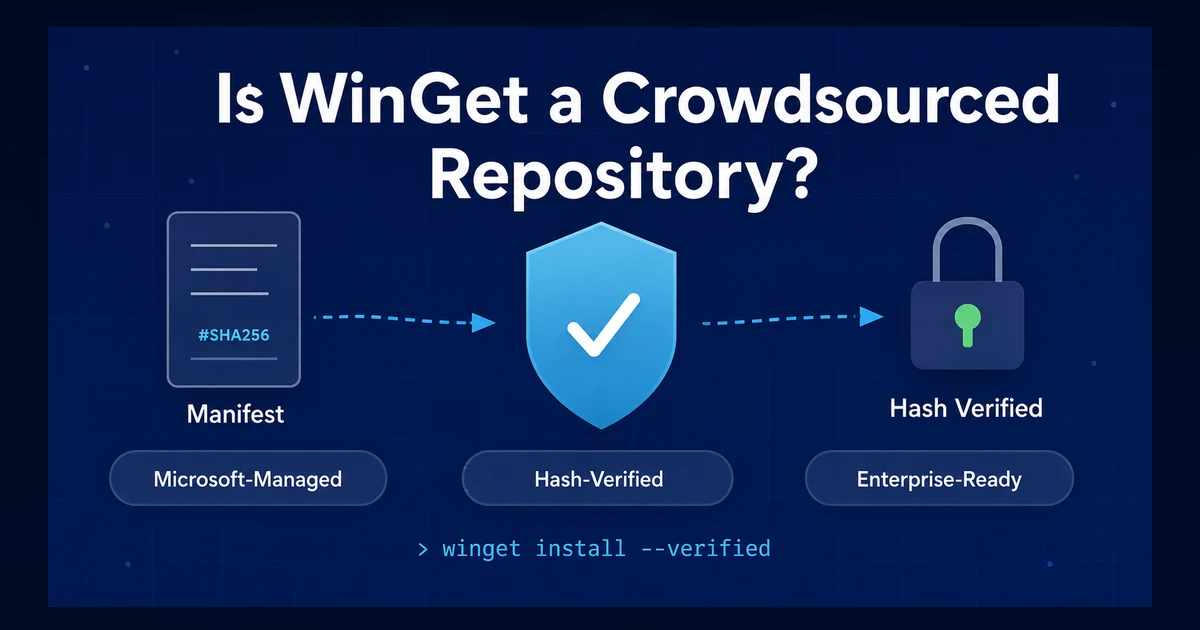
If you’ve been researching application deployment tools for enterprise environments, you’ve probably seen WinGet described as a “crowdsourced” repository. The implication is that WinGet is a free-for-all where anyone can push anything — and that enterprises should avoid it in favor of commercially “curated” alternatives.
That narrative is misleading. Let’s look at what actually happens under the hood.
What Happens When You Type winget search
When you run winget search, the client isn’t querying GitHub or scraping a website. It’s querying a local SQLite database that’s been pre-indexed by Microsoft.
Here’s the flow:
- Every time a package manifest is merged into the microsoft/winget-pkgs repository, an Azure DevOps pipeline rebuilds a SQLite index from every committed YAML manifest.
- That index is packaged as an MSIX file and published to Microsoft’s Azure CDN.
- Your WinGet client periodically downloads this index (or you can force it with
winget source update). winget search <query>queries your local copy of this index — matching against package names, identifiers, monikers, and tags.
The search results come from a Microsoft-hosted, Microsoft-built index. Not from a wiki. Not from a crowd.
What Happens When You Type winget install
This is where WinGet’s architecture gets interesting — and where the “crowdsourced” label falls apart.
- WinGet looks up the package in its local SQLite index.
- It resolves the correct installer entry based on your architecture, scope, and installer type.
- It downloads the installer directly from the publisher’s URL — not from Microsoft servers, not from a community mirror. Chrome comes from
dl.google.com. VS Code comes fromupdate.code.visualstudio.com. The WinGet repository is an index, not a binary hosting service. - After the download completes, WinGet computes the SHA256 hash of the downloaded file.
- It compares that hash against the
InstallerSha256value stored in the manifest. - If the hashes don’t match, the installation is blocked. WinGet refuses to execute the installer and reports a hash mismatch error.
- If the hashes match, the installer runs using the silent switches defined in the manifest.
Every single installer entry in a WinGet manifest requires the InstallerSha256 field. It’s not optional. Here’s what a simplified manifest looks like:
PackageIdentifier: Notepad++.Notepad++PackageVersion: 8.7.6Installers: - Architecture: x64 InstallerType: nullsoft InstallerUrl: https://github.com/notepad-plus-plus/notepad-plus-plus/releases/... InstallerSha256: 9a2b3c4d5e6f... # SHA256 of the exact binaryThat hash is a cryptographic fingerprint of the exact installer binary that was reviewed and approved. If someone replaces the binary at that URL — whether through a supply chain attack, a CDN compromise, or a hosting provider breach — the hash won’t match and WinGet won’t install it.
What Happens When You Type winget upgrade
winget upgrade is straightforward:
- WinGet scans all installed applications on your system.
- It compares each installed application’s version against the latest version available in the WinGet repository.
- If a newer version exists, it lists the application as upgradable.
- When you run
winget upgrade <package>orwinget upgrade --all, it downloads the new version’s installer from the publisher’s URL, verifies the SHA256 hash, and runs the installer.
The same hash verification that protects winget install also protects winget upgrade. Every version of every package has its own hash.
So What Actually Makes a Package Get Into WinGet?
This is where the “crowdsourced” label really breaks down. Yes, anyone can submit a pull request to the winget-pkgs repository. But submitting a PR and getting it merged are very different things.
Here’s what every submission goes through:
Phase 1: Automated Manifest Validation
- YAML syntax validation against the manifest JSON schema
- Path structure validation (manifests must follow
manifests/<letter>/<publisher>/<app>/<version>/) - All required fields are checked — including
InstallerSha256,InstallerUrl,Architecture, andInstallerType - Duplicate submission detection
Phase 2: URL Reputation Assessment
- All URLs undergo Microsoft SmartScreen filtering
- URLs must use HTTPS — HTTP is rejected
- URLs must point directly to the publisher’s release location — redirectors are rejected
- Domain validation ensures the
InstallerUrlmatches the expected domain for the publisher
Phase 3: Installer Download and Hash Verification
- The pipeline downloads the installer from the specified URL
- It computes the SHA256 hash and verifies it matches the
InstallerSha256in the manifest - If hashes don’t match, the PR is blocked with an
Error-Hash-Mismatchlabel
Phase 4: Static Analysis and Antivirus Scanning
- The downloaded binary undergoes static analysis scanning
- Multiple antivirus engines scan for known malware signatures
- Potentially unwanted applications (PUA) are flagged
Phase 5: Dynamic Testing
- The installer is executed in a sandboxed environment
- Microsoft Defender runs during and after installation
- File watchers monitor for malicious activity during the install process
- The installed application is launched to verify nothing malicious occurs at runtime
- Registry entries and uninstall behavior are tested
Phase 6: Human Moderator Review
- After all automated checks pass, a Microsoft-appointed moderator reviews the submission
- Moderators check URL appropriateness, package legitimacy, and metadata quality
- The moderator applies an approval label, which triggers the merge
That’s six phases of validation — automated scanning, hash verification, dynamic sandbox testing, and human review — before a single package reaches end users.
Does that sound “crowdsourced” to you?
The Notepad++ Supply Chain Attack: A Case Study
In late 2025, state-sponsored attackers compromised the hosting infrastructure for notepad-plus-plus.org and hijacked the application’s built-in update mechanism to deliver malware to targeted users. The attackers had access to the server for approximately six months, selectively intercepting update traffic and serving malicious binaries to specific organizations.
The attack worked because the Notepad++ updater (WinGUp) did not verify the hash or digital signature of the downloaded installer before executing it. When the updater contacted the download server, the compromised infrastructure served a malicious binary instead of the legitimate installer — and the updater blindly ran it.
How WinGet’s Architecture Would Have Stopped This
WinGet’s hash verification provides a protection against exactly this type of attack. Here’s the chain of trust:
- The WinGet manifest lives on GitHub — not on the publisher’s server. Compromising
notepad-plus-plus.orgdoes not give an attacker access to the WinGet manifest. - The manifest contains a SHA256 hash of the legitimate installer binary, computed and verified when the manifest was originally approved through Microsoft’s validation pipeline.
- When
winget installorwinget upgraderuns, it downloads the installer from the publisher’s URL. - After download, WinGet computes the SHA256 hash of the downloaded file.
- The malicious binary served by the compromised server has a completely different SHA256 hash than the legitimate installer recorded in the manifest.
- WinGet detects the mismatch and refuses to install. The malicious binary is never executed.
The critical architectural insight is this: WinGet’s trust boundary is the manifest in the GitHub repository, not the publisher’s download server. Even if a publisher’s entire hosting infrastructure is compromised, WinGet users are protected because the installer must match the hash that was validated during the multi-phase review process.
After the attack, Notepad++ hardened their updater in v8.8.9 to verify certificates and digital signatures — essentially adding the same type of integrity verification that WinGet already had.
The Real Question: Trust Boundaries
The debate shouldn’t be “crowdsourced vs. curated.” It should be about where your trust boundaries are.
When you install software through WinGet:
- The manifest is validated through Microsoft’s automated pipeline and human moderation
- The installer binary is hash-verified at install time against the approved manifest
- The download comes directly from the publisher’s infrastructure
- Any tampering between approval and installation is cryptographically detected
When a publisher’s download server is compromised (as happened with Notepad++), WinGet’s hash check acts as an independent verification layer. The attacker would need to compromise both the publisher’s download server and the WinGet GitHub repository and get past Microsoft’s automated scanning and get past human moderator review.
That’s a significantly higher bar than “crowdsourced” implies.
What About Update Delays?
One legitimate concern with any community-assisted repository is the delay between a publisher releasing a new version and the manifest being updated. WinGet addresses this several ways:
- Microsoft’s
wingetbotcontinuously scans for hash mismatches (indicating a publisher updated their binary) and auto-submits corrective PRs - Automation bots maintained by community members monitor publisher release feeds and auto-submit new version manifests
- Publishers themselves can submit manifests for their own software — and many major publishers do
- Verified publisher programs fast-track trusted publishers through the review process
The WinGet repository currently contains over 9,000 unique packages with 30,000+ manifest files, and new version PRs are typically processed within hours.
Why This Matters for Enterprise App Deployment
The WinGet repository provides everything needed for enterprise app deployment:
- Verified metadata — package names, publishers, descriptions, and icons that have been reviewed
- Cryptographic integrity — SHA256 hash verification on every installer
- Silent install switches — pre-configured install parameters for unattended deployment
- Detection rules —
AppsAndFeaturesEntriesdata for verifying installations - Publisher URLs — direct links to the original publisher’s download infrastructure
The “crowdsourced vs. curated” framing is a false choice. What matters is the validation pipeline, the integrity verification, and the trust boundaries. WinGet delivers all three.
PowerStacks products provide reporting and application management for the Microsoft endpoint management ecosystem. App Store for Intune packages WinGet apps inside your own tenant, BI for Intune reports on them, or you can start a free trial.