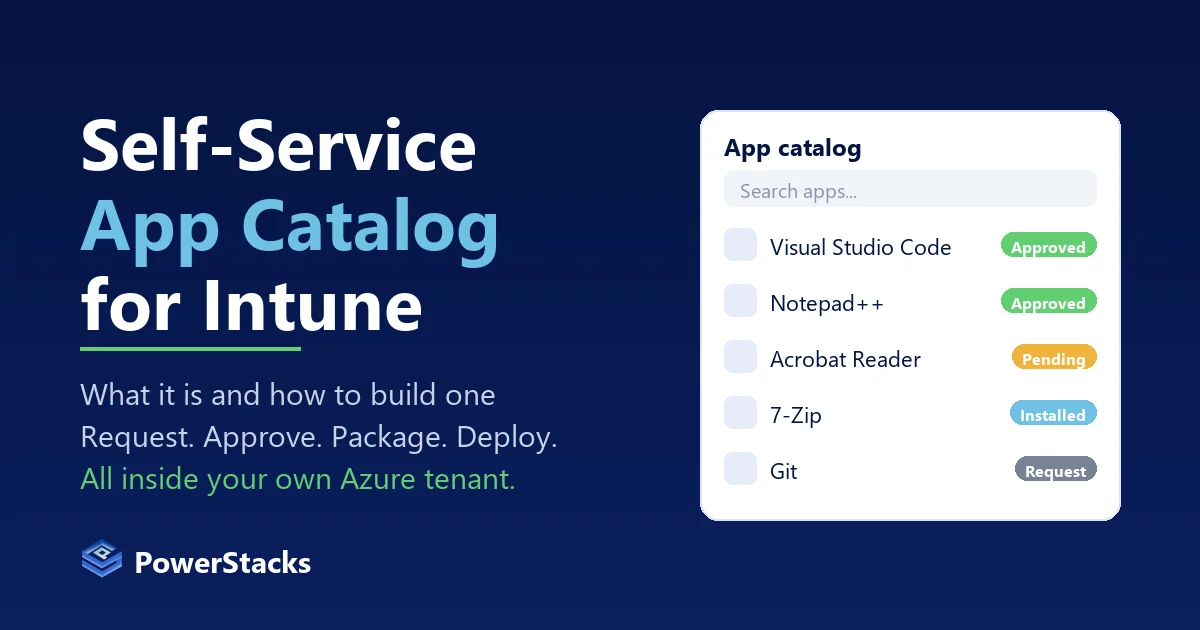
Every Intune admin knows the ticket. “Can you install Visual Studio Code for me?” Or Notepad++, or the vendor tool the finance team started using last week. The app is fine. The problem is that getting it from “someone asked” to “it is installed on their device” takes a help desk ticket, a manager’s blessing somewhere in email, a packaging job, an assignment, and a follow-up when the user cannot see it yet.
A self-service app catalog is the fix for that chain. This post covers what one actually needs to do, what Microsoft gives you out of the box, four ways to build one, and how we built App Store for Intune to do it without leaving your tenant.
What Company Portal does, and what it does not
Intune ships with Company Portal, and for a lot of teams that is the first thing that comes to mind when someone says “app store.”
Company Portal shows a user the apps an admin has already assigned to them with the Available intent. The user clicks Install, the Intune Management Extension does the work, and the app shows up. That part works well.
What it cannot do:
- Take a request for an app that has not been assigned to that user.
- Route anything for approval. There is no concept of a manager, an app owner, or a security reviewer in the flow.
- Package an app. If the app is not already a Win32 or Store app in your tenant, Company Portal has nothing to offer.
- Explain to the user what is happening when the install stalls, beyond a status in the app.
So Company Portal is the install step of self-service. It is not the request step, and it is not the packaging step. Those two are where the tickets come from.
What a self-service app catalog actually needs
If you write down what the ticket chain does today, the catalog has to cover the same ground:
- A catalog of apps users can request, scoped so people only see what they are allowed to ask for.
- A request that captures who wants what, for which device, and why.
- An approval that reaches the right person (a manager, an app owner, security for anything that touches data) and records the decision.
- Packaging and deployment for apps that are not in Intune yet, so approval does not turn into a packaging ticket.
- Install status the requester can see, so they stop asking.
- An audit trail for anyone who later asks who approved what.
- Notifications in the places people already look, which today means Teams and Outlook.
Most teams have pieces of this across a ticketing tool, a shared mailbox, and whoever does packaging. The catalog is the thing that ties them together.
Four ways to build one
Option 1: Company Portal plus a request form
Keep Company Portal as the storefront, assign every approved app as Available to a broad group, and put a form in front of it (ServiceNow, Jira, a Microsoft Form) for anything else.
This is the cheapest option and it works for a small, stable catalog. The limits show up fast. Every new app is still a packaging job and an assignment change. The approval lives in the ticketing tool, disconnected from Intune, so nobody can tell from Intune who approved an install. And the user experience is two systems: one to ask, one to install.
Option 2: Enterprise App Management plus Available assignments
Microsoft’s Enterprise App Management add-on gives admins a catalog of Win32 apps that Microsoft prepares, hosts, and keeps updated. You add a catalog app, assign it as Available, and Company Portal shows it. Updates can be automatic for apps assigned as Required, or come through supersedence for apps offered as Available.
It removes the packaging work for the apps it covers, and that is a real gain. It is still admin-driven. There is no request or approval step, the catalog is a curated list rather than the long tail, and unless you have Microsoft 365 E5 or E7 it needs an add-on license on top of Intune Plan 1. We wrote up the differences in detail in Enterprise App Management vs App Store for Intune.
Option 3: Build the workflow with Power Automate and Graph
Some teams have built this themselves: a form, an approval flow in Power Automate, and a Graph call that adds the requester to the group the app is assigned to. Add a Logic App for packaging if you are ambitious.
It works, and it keeps everything in your tenant. The cost is that you own it. Packaging stays manual unless you build that too, status reporting back to the requester is on you, and the next person to inherit the flow has to understand it.
Option 4: A portal built for the job
This is what App Store for Intune is. It deploys into your own Azure subscription from the Azure Marketplace and gives you the whole chain in one place:
- A branded catalog, scoped by group, that users browse and request from.
- Multi-stage approvals with conditional rules, so an expensive app can route differently from a free one, and approvers get a Teams card or an Outlook email with a link straight to the request.
- Packaging from the public WinGet catalog (over 12,000 packages) or your own MSI, EXE, or zip upload. Each app is wrapped with PSADT, given detection rules, converted to .intunewin, and published to Intune as a standard Win32 app through Microsoft Graph.
- Install status pulled from Intune’s reporting API, visible to the requester and the admin.
- Automated updates through your deployment rings, with rollback to a previous version.
- A record of every request, approval, and deployment, in your own Azure SQL database.
The architecture matters as much as the feature list. The App Service authenticates to Graph as its own managed identity, so there is no client secret to rotate and no vendor cloud holding permissions to your Intune environment. Everything in the chain runs inside your tenant boundary.
Where it sits next to Company Portal
App Store for Intune does not replace Company Portal, and it does not replace Intune. Intune still does the install, and Company Portal still works for the apps you assign through it. The App Store is the front door: requests, approvals, packaging, and status. Once a request is approved, the app is published to Intune and assigned to the requester or their device like any other Win32 app.
If you already have Enterprise App Management, the two coexist as well. Use the Microsoft catalog for the titles it covers and the App Store for the long tail and the request workflow.
A short checklist for evaluating any option
Whatever you pick, these are the questions to ask:
- Where does it run? If a vendor’s cloud holds Graph permissions to your tenant, that is a trust boundary your security team will want to review.
- Who packages the long tail? The catalog you are shown on a demo is never the catalog your users ask for.
- Can a request be approved by the right person, and is that recorded? “The help desk approved it” is not an audit trail.
- Can the requester see status without opening a ticket?
- What happens when a vendor ships an update? Patching is the other half of application management, and a catalog that cannot update what it deployed only solves half the problem.
If you want to see what the in-tenant version looks like, the App Store for Intune product page has the details, the documentation has the setup guide, and the supported apps search will tell you whether the app someone just asked for is in the catalog.