AI skills for Microsoft endpoint management and security

Connect your AI assistant to the BI for Intune and BI for Defender data models and ask for today's briefing. The skill ranks what to fix first, explains why, and hands you the next step. Read-only, open source, and nothing is sent to PowerStacks.

Both skills are public Preview releases in the PowerStacks AI library on GitHub.

What a skill is

A skill is a folder of instructions your AI assistant reads so it knows how to work with a PowerStacks data model: which tables matter, which measures to trust, what a bad number looks like, and Microsoft's guidance for app installation error codes. We wrote them from years of running ConfigMgr and Intune. You install one, connect the assistant to your Power BI model, and ask.

No agents, no new service, nothing hosted by us. The model stays in your Power BI workspace. The assistant queries it through Microsoft's Power BI MCP server as you, with your permissions.

The skills

Endpoint Operations Analyst

Preview

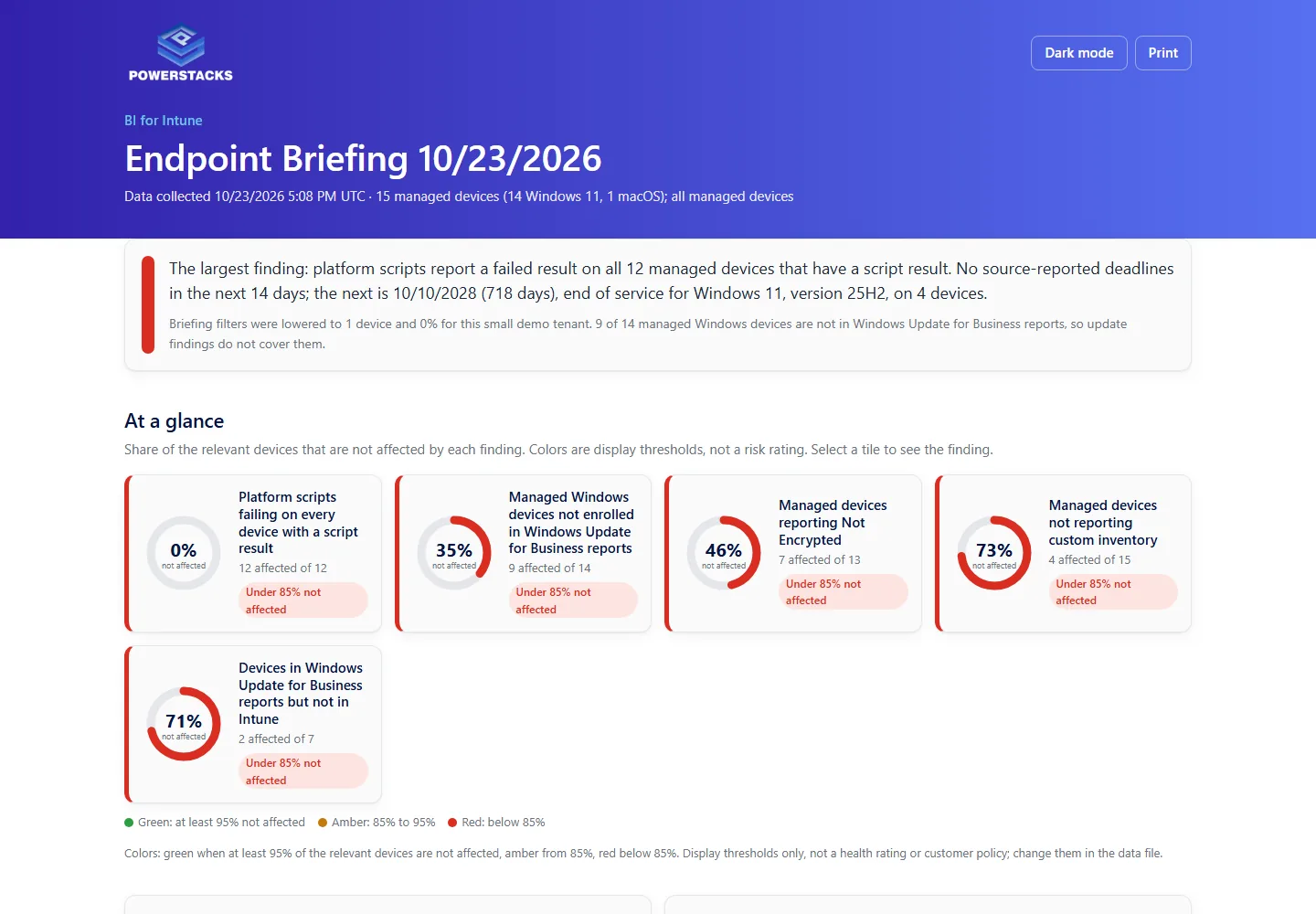
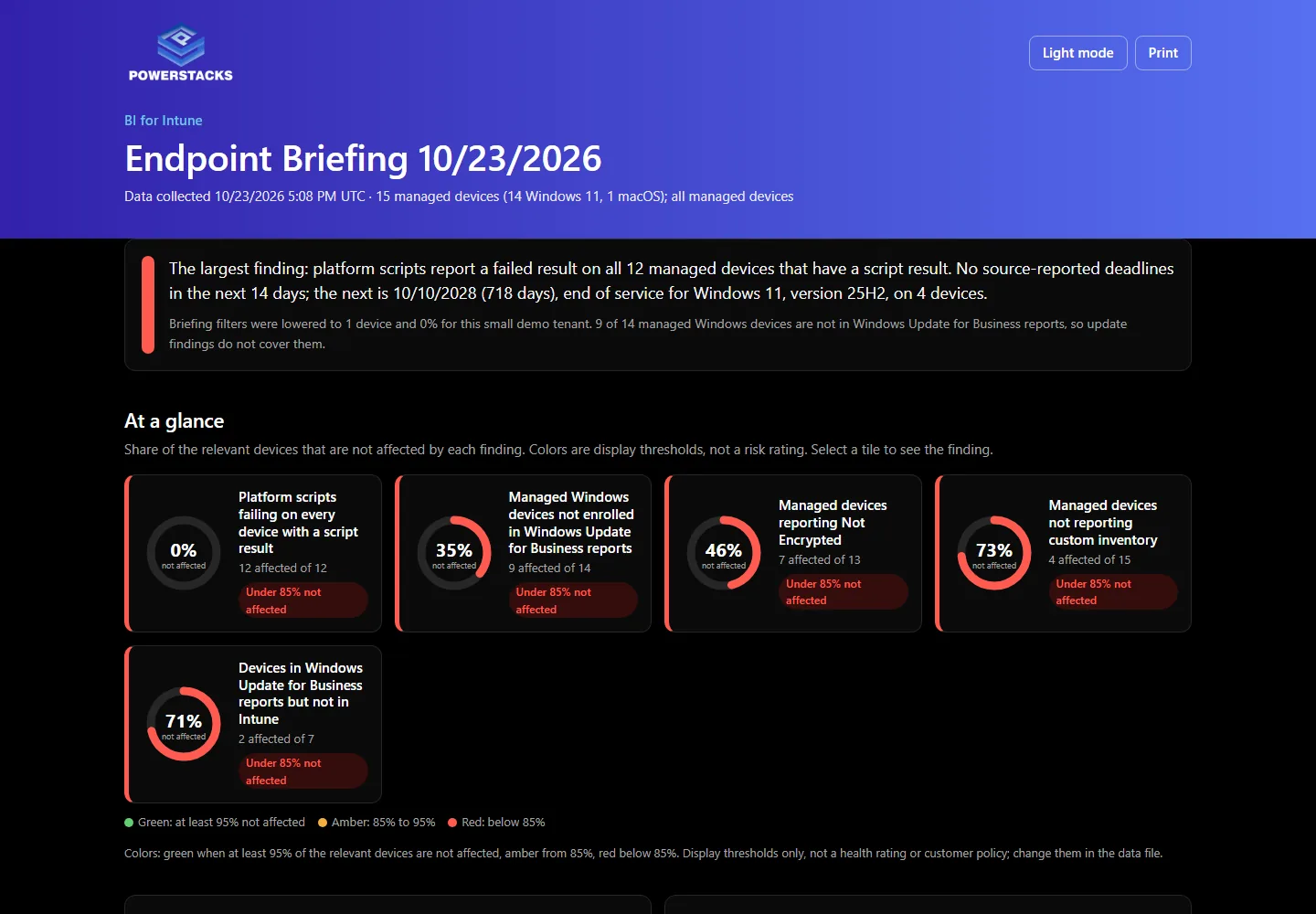
For BI for Intune. Version 0.11.0-preview. See an example briefing.

  • ✓Gives you a daily endpoint briefing: up to five issues to investigate today, ranked by how many devices are affected.
  • ✓Each finding comes with device counts, check-in context, Microsoft guidance for app error codes, and next steps.
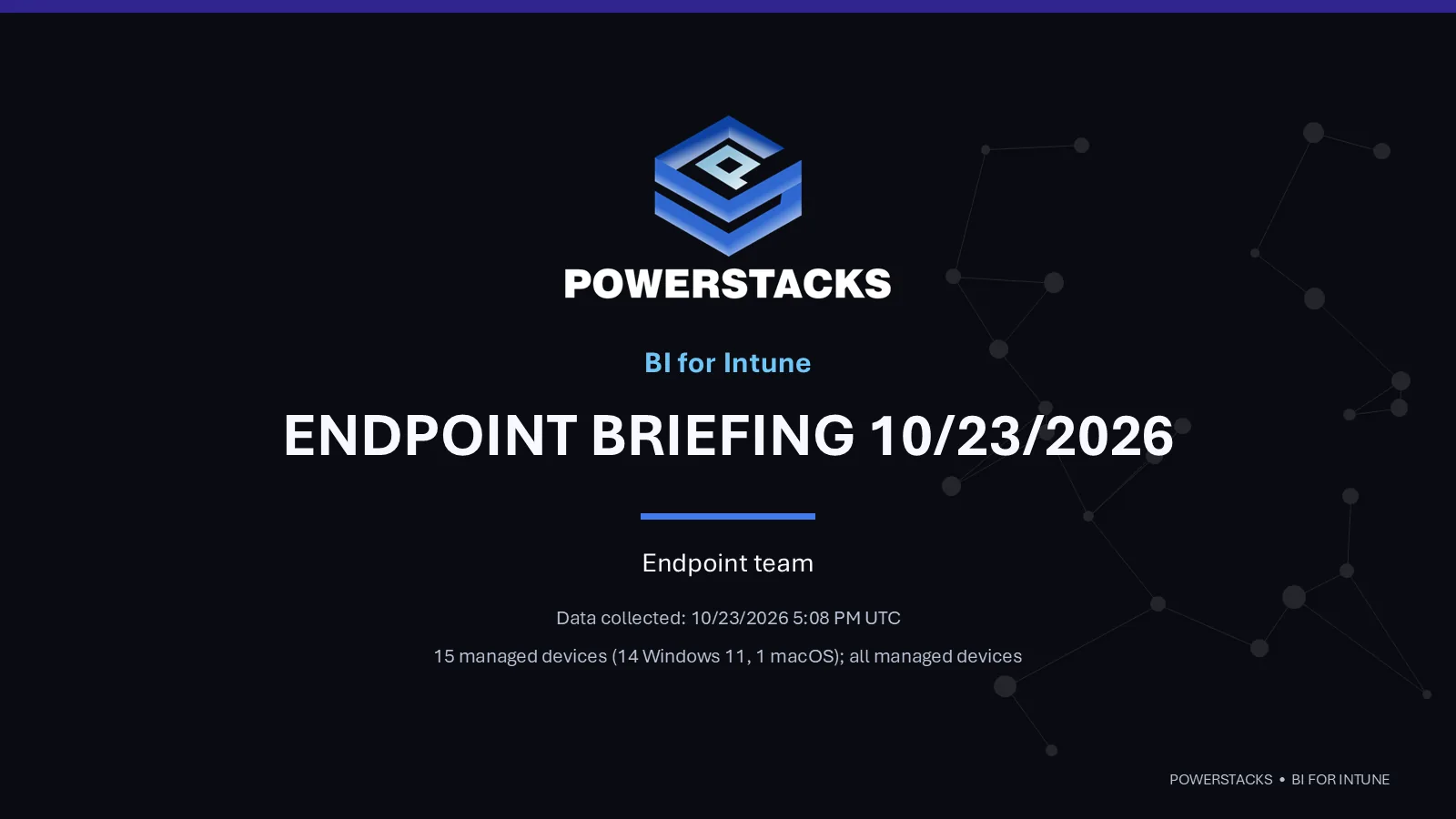
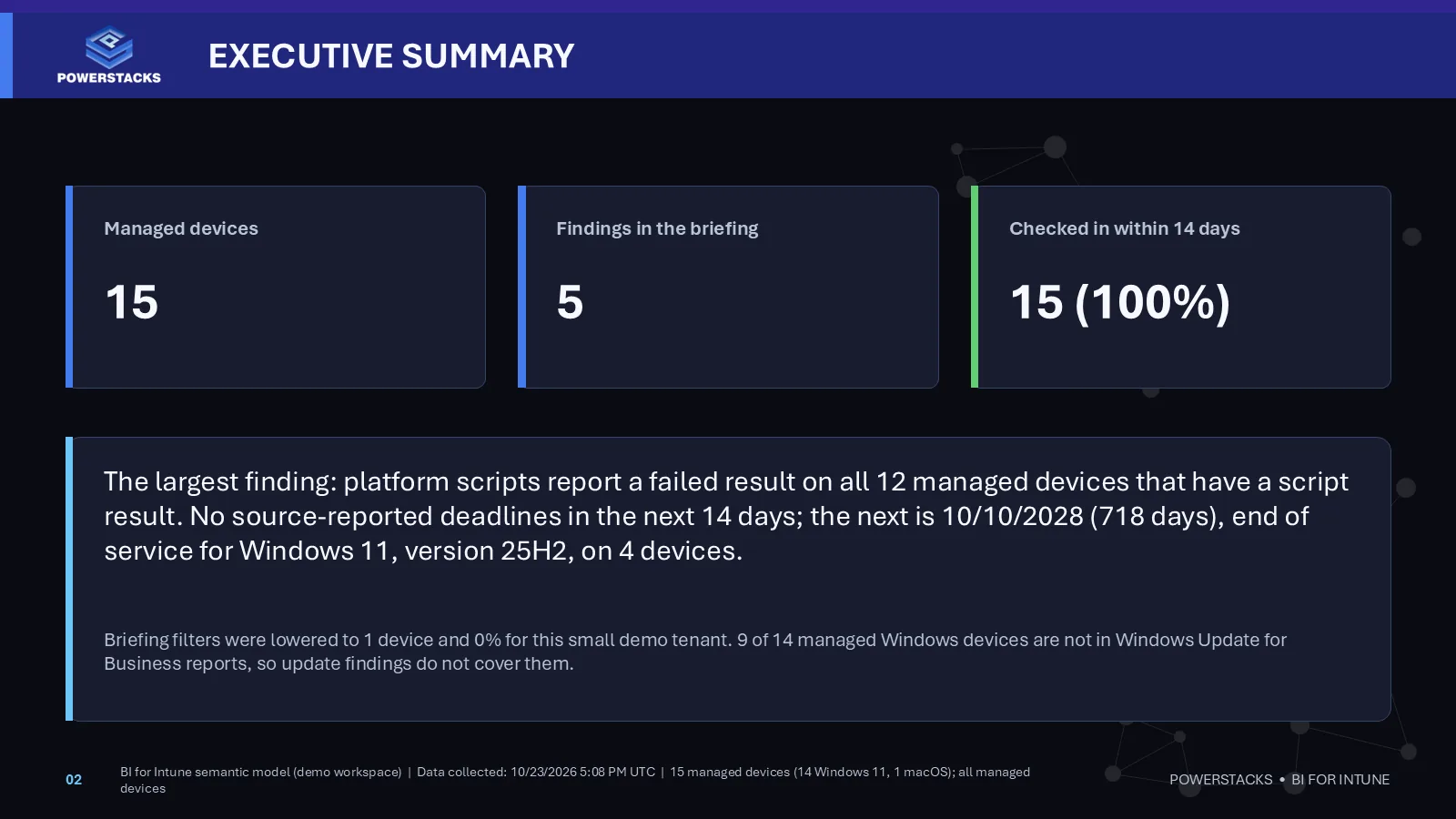
  • ✓On request, builds an executive PowerPoint deck (PowerStacks design or your own template) and a one-page interactive HTML report. Both are snapshots; ask again for newer data.

The prompt

Act as my endpoint operations analyst. Use semantic model <ID> and give me today's briefing.
Security Operations Analyst

Preview

For BI for Defender. Version 0.1.0-preview. See an example briefing.

  • ✓A security briefing from your BI for Defender data model, with device details behind each finding and the same deck and HTML report on request.
  • ✓Covers: data collection health and devices without assessment data; devices with active critical or exploitable vulnerabilities; missing Microsoft security updates by KB; software at or past end of support, with upcoming dates; devices not seen for more than 7 days.
  • ✓Not covered yet: Defender Antivirus health, security configuration and attack surface reduction, incidents and alerts, Secure Score.

The prompt

Act as my security operations analyst. Use semantic model <ID> and give me today's briefing.
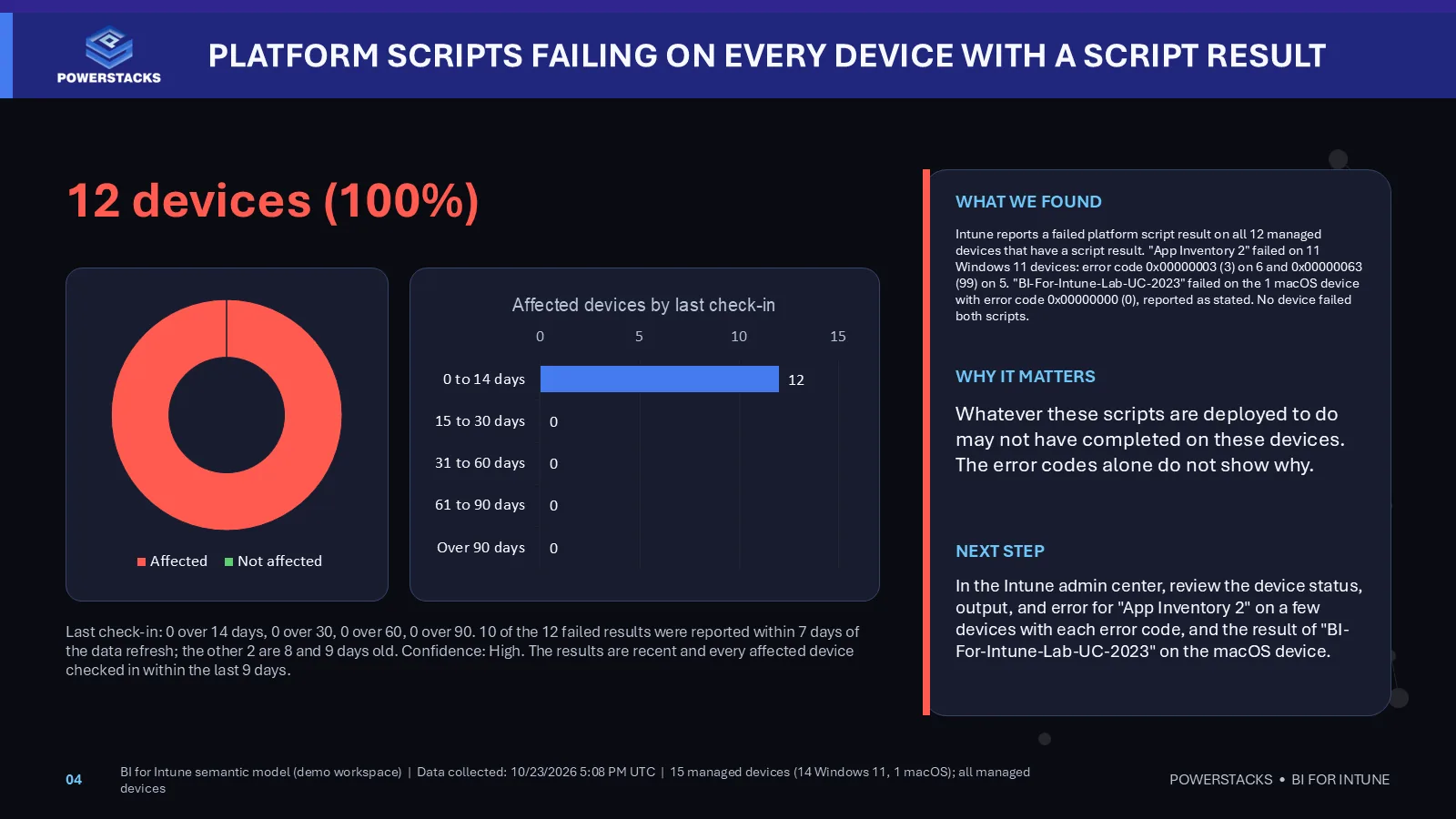
What it produces

From a demo workspace with 15 devices, so the numbers are small on purpose. Ask for the briefing, then ask for the deck and the report. Use the arrows to browse, or select an image to enlarge it.

Install and use

About fifteen minutes if the tenant setting is already on. The full steps live in the library's getting started guide and README. Microsoft documents the connector in Get started with the Power BI remote MCP server.

  1. 1

    Check the prerequisites

    BI for Intune or BI for Defender deployed in your Power BI workspace. Build permission on its semantic model. A Power BI admin enables the tenant setting "Users can use the Power BI Model Context Protocol server endpoint (preview)".

  2. 2

    Download the library

    Clone the public repo or download it as a ZIP.

  3. 3

    Copy the skill folder

    Put the skill folder in your AI assistant's skills folder. Skills use the standard SKILL.md folder format.

  4. 4

    Connect the Power BI MCP server

    Add the Microsoft Power BI MCP server to your assistant as an HTTP server at https://api.fabric.microsoft.com/v1/mcp/powerbi and sign in with your Microsoft Entra work account.

  5. 5

    Find your semantic model ID

    Open the model in the Power BI service and copy the ID from the URL.

  6. 6

    Ask for a briefing

    Paste the prompt from the skill card above with your model ID.

  7. 7

    Optional: deck and report

    Ask: "Turn this briefing into an executive presentation and an HTML report." Needs Python 3.9 or newer. The presentation also needs the python-pptx package.

Where this is going

PowerStacks is evolving from endpoint reporting into an AI-powered data, intelligence, and automation platform for Microsoft endpoint management and security. The skills are the first step. They read the model and tell you what to do.

The steps after that are on the roadmap, not in the box: smart remediations, automated compliance, AI patching, and intelligence across Intune, Configuration Manager, and Defender together, so that finding a problem and fixing it become one loop. None of that is available today, and we will say so plainly when each piece ships.

All of it complements and extends Microsoft Intune and Defender. We are not replacing them and we do not compete with them. We make what you already own answer better questions.

Questions

Which AI assistants work with the skills?

Any AI assistant that can load skill folders (SKILL.md) and connect to remote MCP servers. The data connection is Microsoft's own Power BI MCP server, so the assistant signs in as you and sees only what you can see.

Where does my data go?

Your data stays in your Power BI workspace. The skill sends read-only DAX queries to your semantic model through Microsoft's Power BI MCP server, with your signed-in permissions. Query results go only to the AI assistant you choose and are handled under your agreement with its provider. Nothing is sent to PowerStacks.

Can the skill change anything in Intune or Defender?

No. Queries are read-only against the data model. The skill never calls Intune, Defender, or Microsoft Graph, and it never touches a device.

What does Preview mean?

It works and it's tested against PowerStacks demo environments, and we are still changing it. Expect the findings and the prompts to evolve. Report problems on GitHub Issues, or email support@powerstacks.com if the details are private.

What does it cost?

The skills are free and open source under the MIT license. You need a licensed BI for Intune or BI for Defender, Power BI, and your own AI assistant.

Skills are MIT licensed, copyright 2026 PowerStacks Corporation. Microsoft error-code reference content in the library stays under CC BY 4.0 with attribution. The PowerStacks name and logo are trademarks and are not covered by the MIT license.

Have the data model? Add the skill.

Not a customer yet? Start with BI for Intune or BI for Defender. The skills are free once you have the model.