App Store for Intune demo
There's no public sandbox for this one, because it installs into your tenant and talks to your Intune. These screenshots are from the current release. The real demo is a 30-minute call where we install it in your environment.
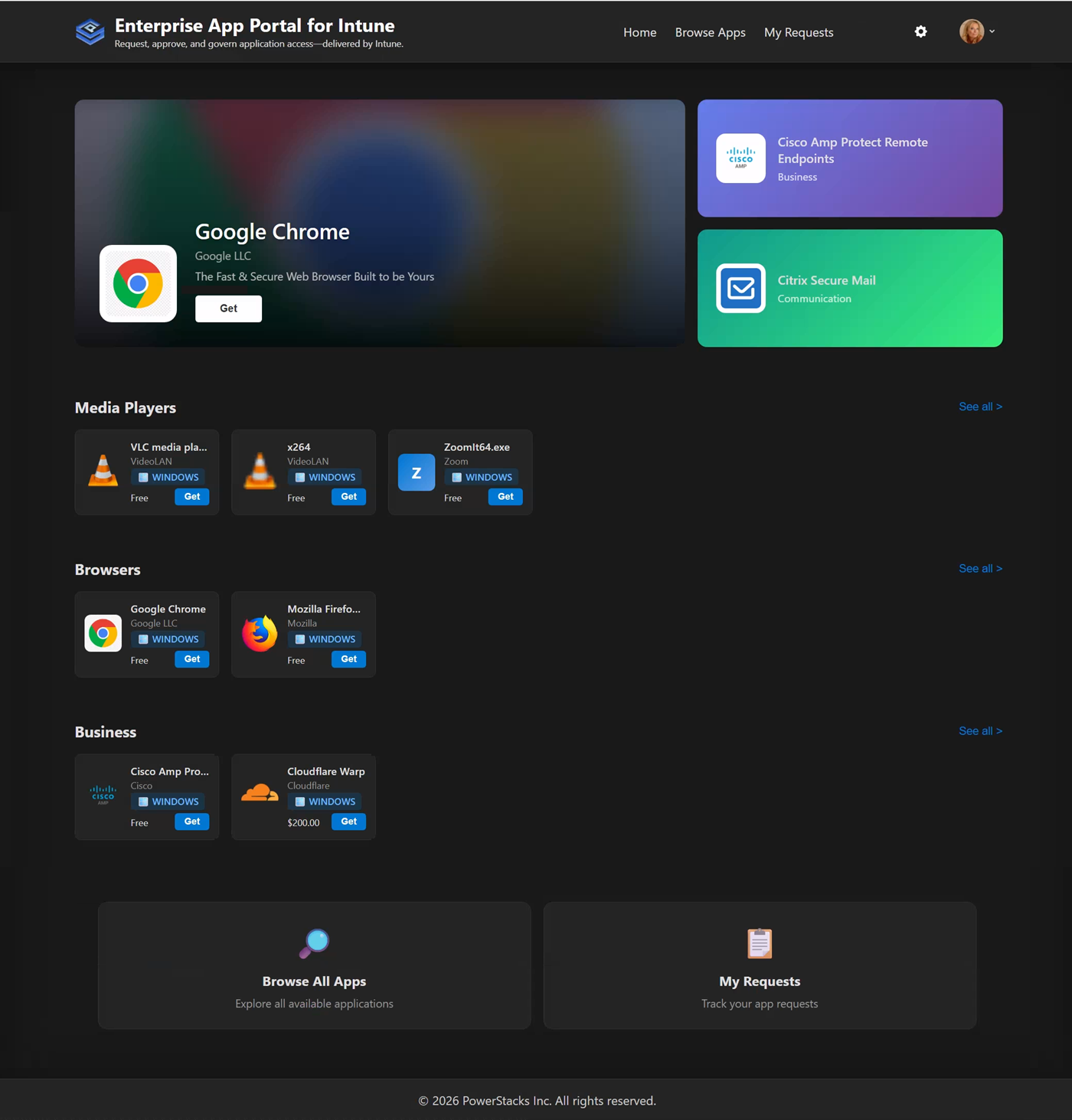
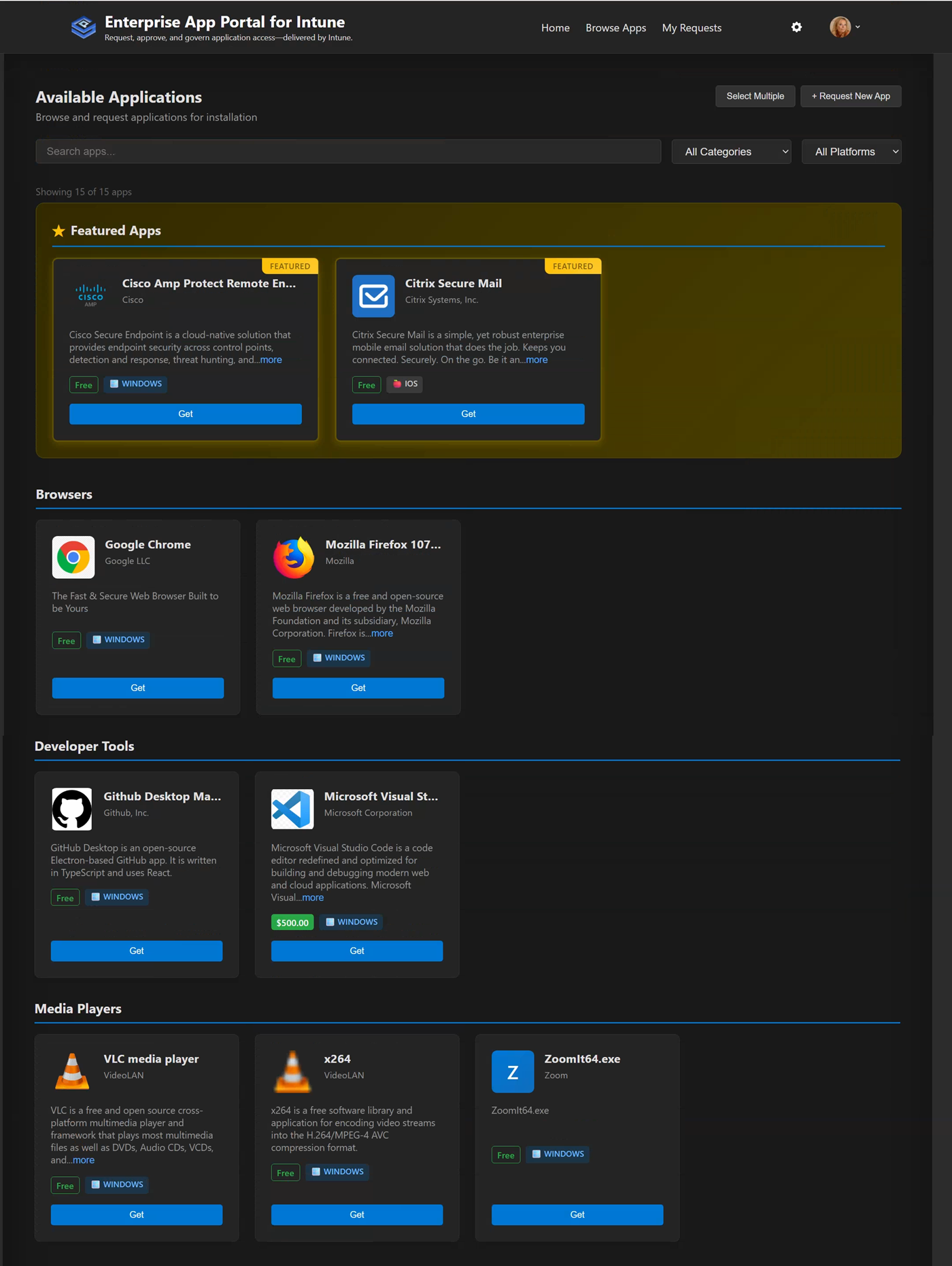
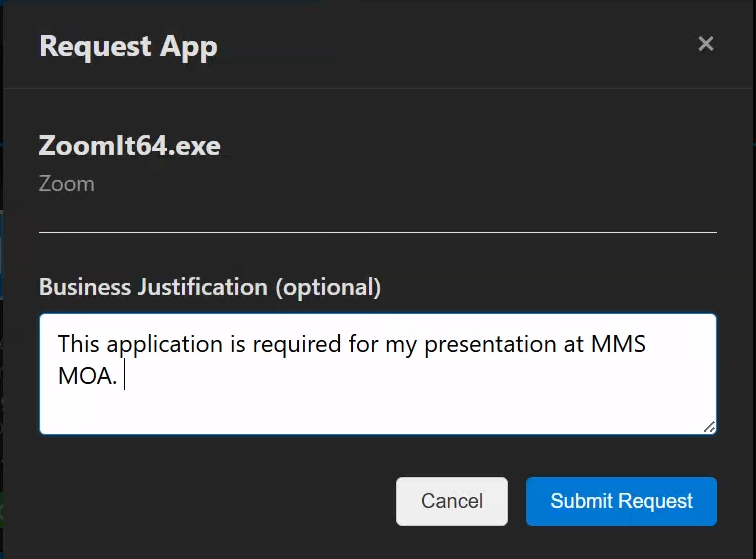
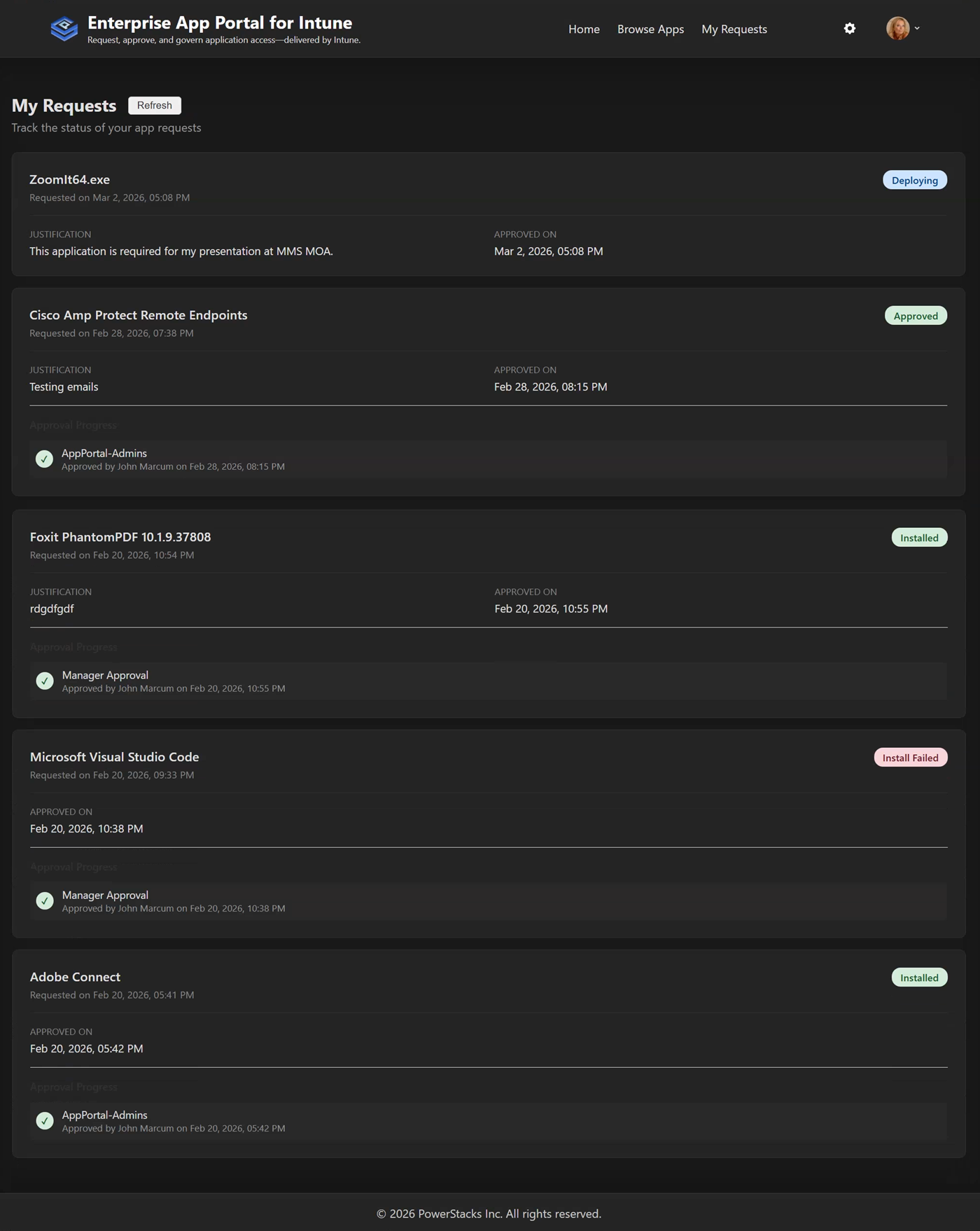
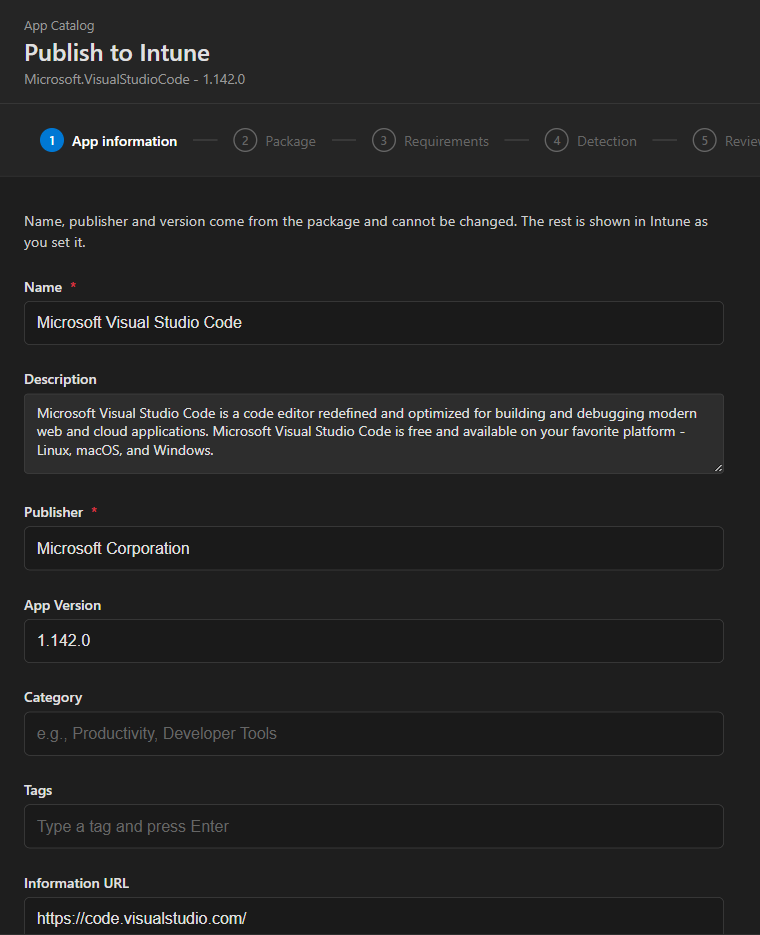
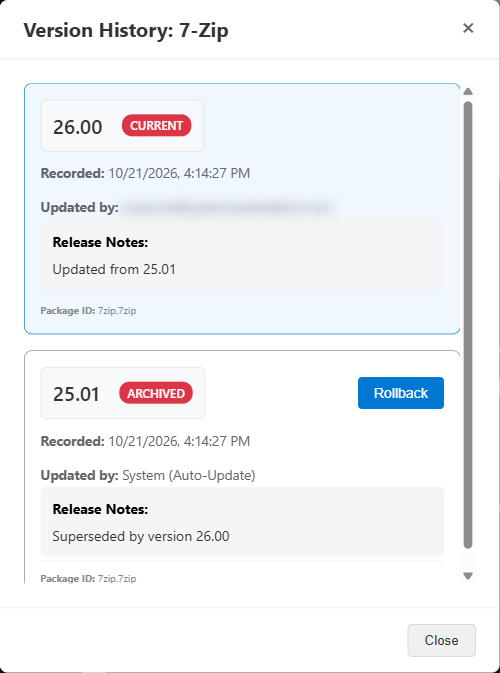
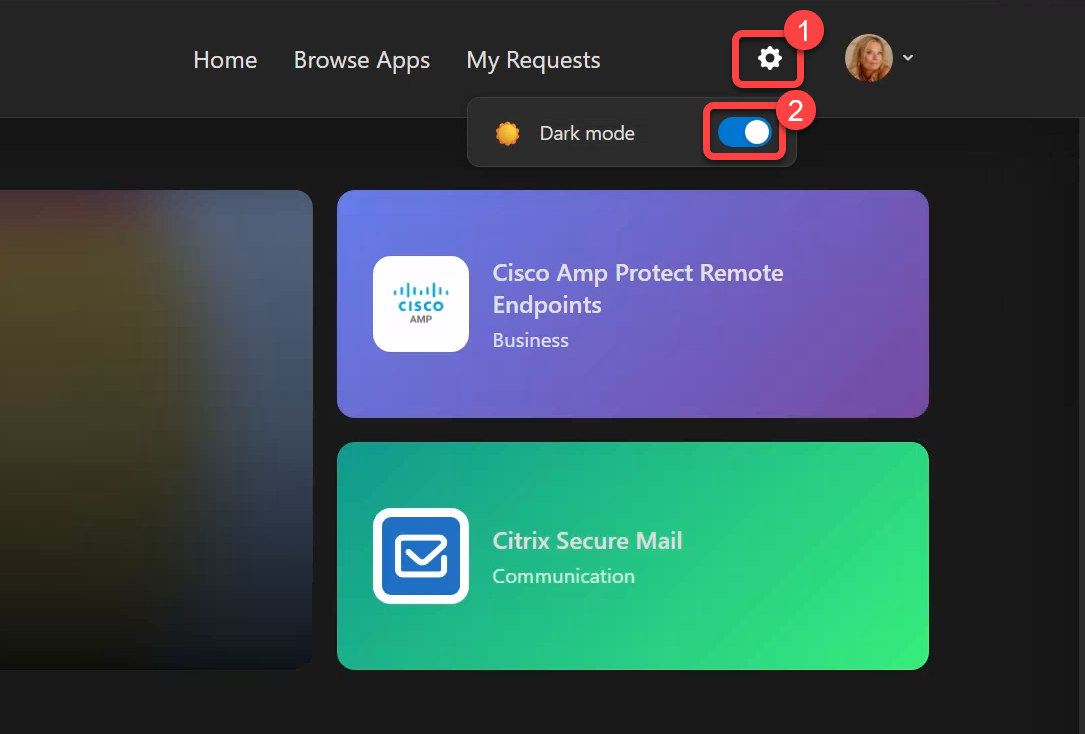
What your users see. A store, not a ticket queue.
What happens behind the screenshots
- You pick an app from the WinGet catalog, or upload your own MSI, EXE, or zip.
- The store downloads the vendor's installer, checks its hash against the manifest, wraps it with PSADT, and builds the .intunewin file.
- It creates a standard Win32 app in Intune through Microsoft Graph, with ARP-based detection rules.
- Users request it. The approval rules you set decide who signs off. Approvers get a Teams card or an email.
- Intune installs it. The store reads install status back from Intune's reporting API on a schedule.
- When the vendor ships a new version, the store packages it and pushes it through your update rings. Rollback keeps every version.
All of it runs on an App Service in your Azure subscription with a managed identity. Here's how it's built.
Want to see it on your tenant?
Install takes about 30 minutes from the Azure Marketplace. We'll do it with you on a call.