Settings and Preferences
User profile
Section titled “User profile”Select your profile picture or name in the top-right corner to:
- View your profile information
- Sign out
Dark mode
Section titled “Dark mode”Toggle dark mode from:
- The settings gear icon in the header
- Your profile dropdown menu
Your preference is saved and persists across sessions.
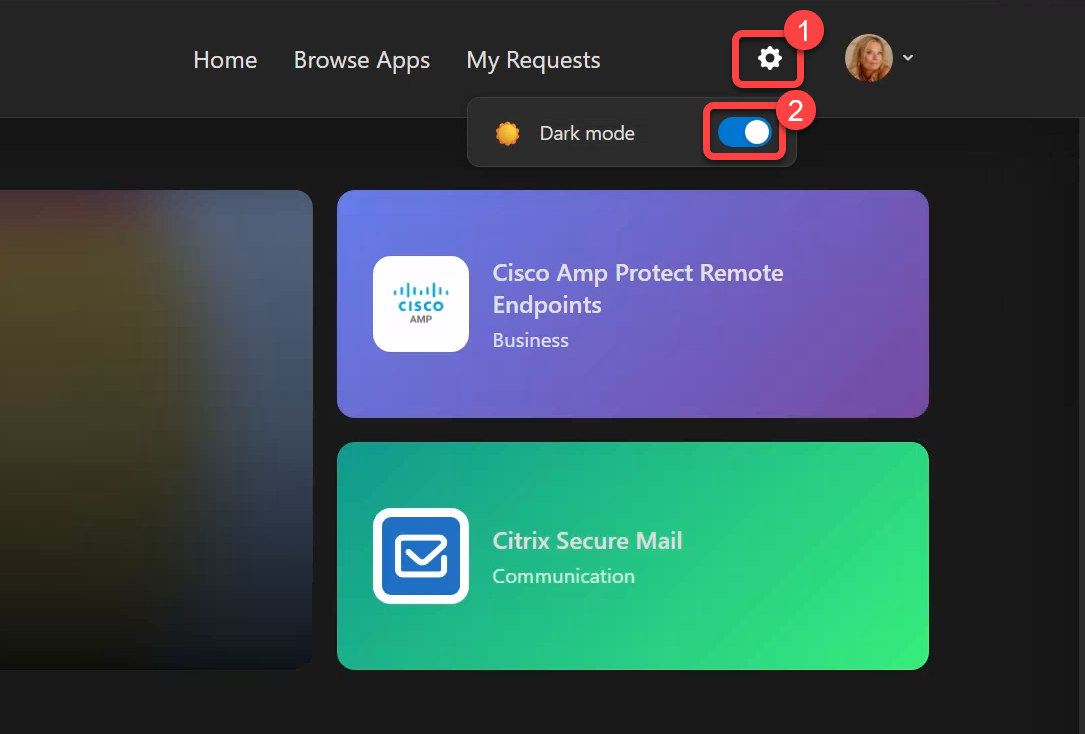 Settings panel with dark mode toggle