Tracking Your Requests
My requests page
Section titled “My requests page”Select My Requests in the navigation to see all your app requests.
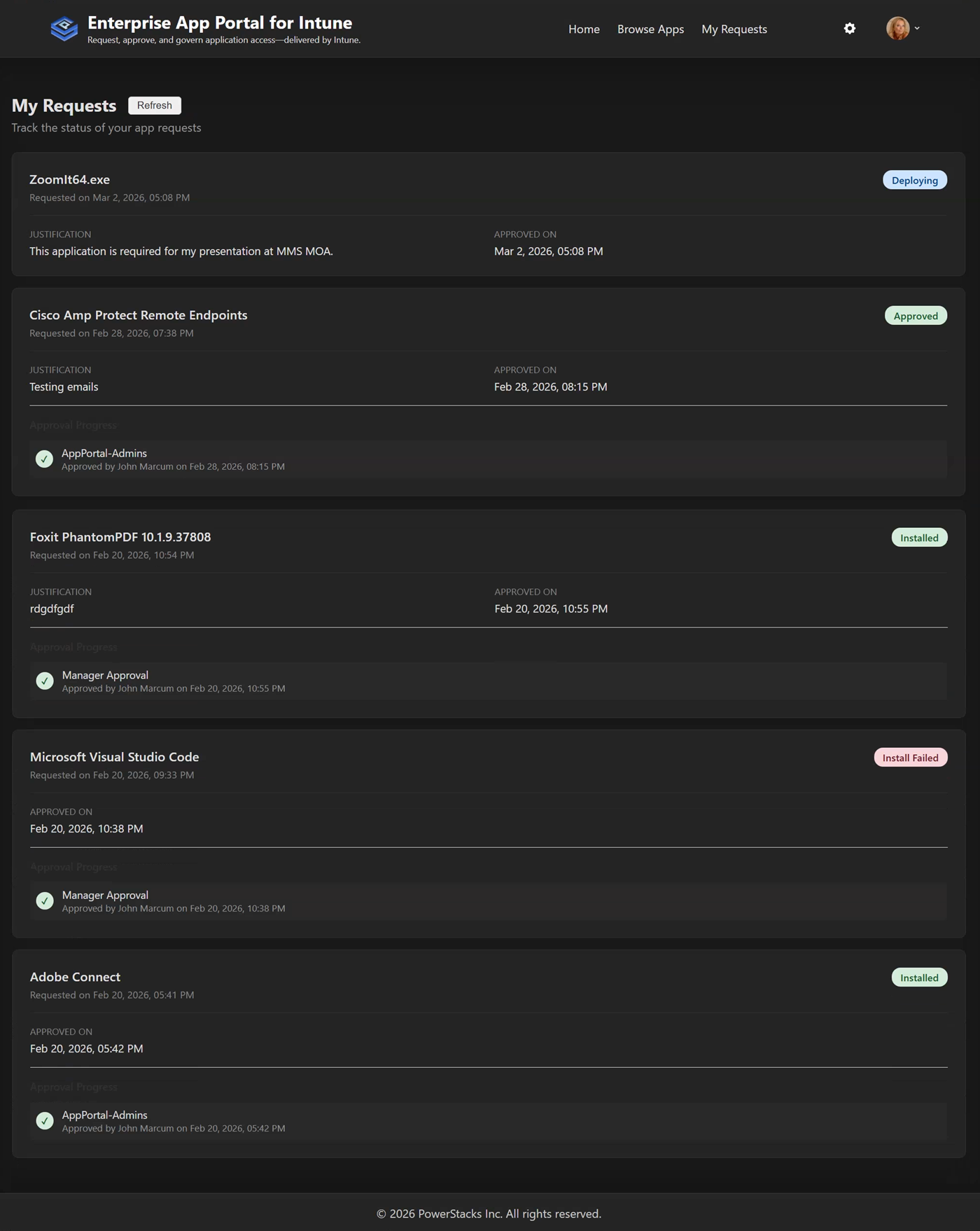 The My Requests page showing request history and status
Request status
Section titled “Request status”| Status | Meaning |
|---|---|
| Pending | Waiting for approval |
| Approved | Request approved, awaiting deployment |
| Rejected | Request denied (see rejection reason) |
| Completed | App deployed successfully |
| Failed | Installation failed (contact support) |
Request details
Section titled “Request details”Select any request to see:
- Request date and time
- Current status
- Approval history (who approved or rejected, and when)
- Rejection reason (if applicable)
- Installation status
Email notifications
Section titled “Email notifications”You’ll receive email notifications when:
- Your request is submitted (confirmation)
- Your request is approved
- Your request is rejected
- Your app is installed (completion)
Teams notifications
Section titled “Teams notifications”If configured by your admin, you’ll also receive Microsoft Teams direct chat notifications for request updates.